Join The RevolutionNeotab is a free service that shows you how to go completely paperless in your school endeavors. See what Neotab can do for you!
|


|
|
How It Works
|
|
|
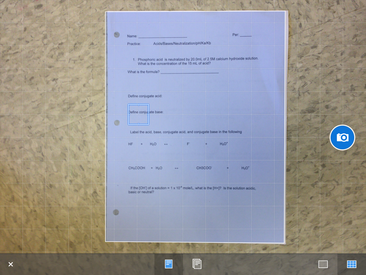
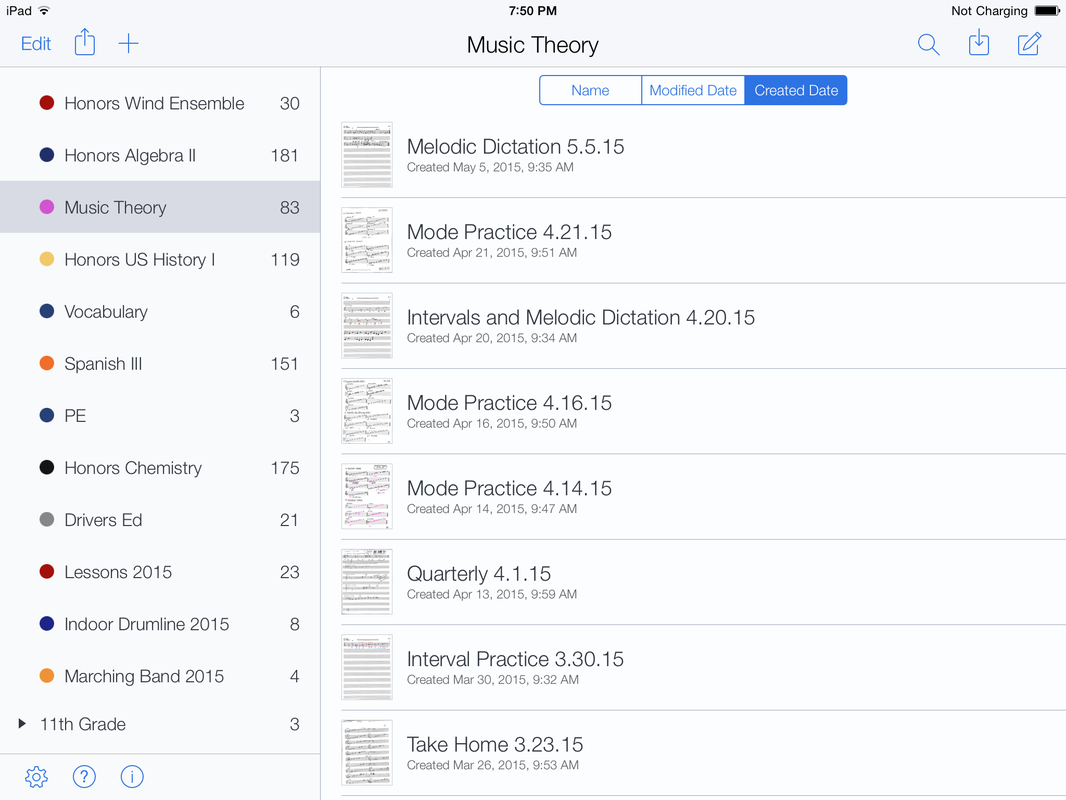
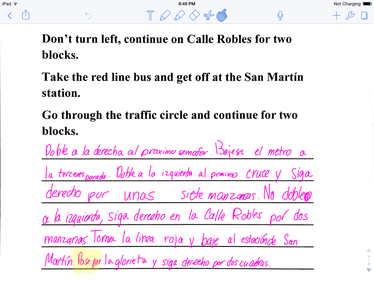
Neotab has tested hundreds of apps to find a truly unique method that sets us apart from other groups. Our method utilizes two core apps, created by companies who are revolutionizing the way we use tablets. Notability works by quickly scanning in your papers as you get them in class. You then store them into an app that organizes them just as you'd do in real life- by class and by date- with the capacity to hold thousands of sheets of papers. You can then write on them with a stylus just like you'd do on paper with a pencil. If that's not enough you can also highlight, draw diagrams, insert photos, type words, record audio, and more. Here's how it's done:
Step 1: Press the "Enroll" button at the top of this page to sign up for Neotab. This is completely FREE, and is for the main purpose of us keeping tabs on who is using Neotab, so we can further improve our methods.
Step 2: Go on your iPad, and download Scanner Pro, and Notability.
Step 3: Open Scanner Pro, and follow the step-by-step instructions on how to scan on our "Scanning" page.
Step 4: Open Notability, and organize, annotate, share, print, and type on your documents as you please. You can use our "Notability" page as a reference for any common questions on using the apps features.
Step 5: Visit our "Essentials" page and check out our approved list of apps and products. Check out things such as studying apps, styluses, screen protectors, and more!
That's it. It's that simple.
Step 1: Press the "Enroll" button at the top of this page to sign up for Neotab. This is completely FREE, and is for the main purpose of us keeping tabs on who is using Neotab, so we can further improve our methods.
Step 2: Go on your iPad, and download Scanner Pro, and Notability.
Step 3: Open Scanner Pro, and follow the step-by-step instructions on how to scan on our "Scanning" page.
Step 4: Open Notability, and organize, annotate, share, print, and type on your documents as you please. You can use our "Notability" page as a reference for any common questions on using the apps features.
Step 5: Visit our "Essentials" page and check out our approved list of apps and products. Check out things such as studying apps, styluses, screen protectors, and more!
That's it. It's that simple.
